
Does Your Security Equipment Need a UPS?
Power rarely fails at a convenient time. It drops out during storms, electrical faults, site works or after-hours incidents, which is exactly when many owners and site managers need their security system working properly. If you are asking does your security equipment need a UPS, the short answer is often yes - but the right answer depends on what equipment you run, how long you need protection, and what the consequences are if power disappears.
A UPS, or uninterruptible power supply, gives connected equipment short-term backup power and helps bridge the gap between mains failure and either restored supply or a controlled shutdown. In security, that gap matters. A few minutes can preserve video evidence, keep an alarm panel online, hold an access control door secure, or maintain communications to a monitoring service.
Does your security equipment need a UPS for every setup?
Not every security system needs a UPS in the same way. A small home CCTV setup with local recording might tolerate a brief outage better than a commercial site with monitored alarms, electric locks and networked cameras. The real question is not whether UPS backup is nice to have. It is whether losing power creates a security weakness, operational problem or compliance issue you cannot accept.
For many professional installations, a UPS is less of an upgrade and more of a practical layer of resilience. Security equipment is designed to detect, record, restrict and report. Without power, all four functions can be affected.
Cameras may stop recording. Network switches can drop devices offline. Recorders can shut down abruptly and risk file corruption. Intercoms may stop responding. Access control can fail in ways that are inconvenient at best and unsafe at worst, depending on door hardware and fire egress requirements. Alarm systems often include their own backup batteries, but peripherals around them may not.
Where a UPS makes the biggest difference
The strongest case for a UPS is usually in systems with multiple connected parts. Modern security is rarely one standalone device. It is more likely to be a recorder, cameras, a switch, a router, an alarm communicator, access control hardware and sometimes remote monitoring all working together.
If one key component loses power, the rest of the system can become far less useful. A camera with power but no network path cannot send footage. An alarm panel with backup battery but a dead router may not report events. An electric strike without proper backup planning can change how a door behaves during a blackout.
That is why UPS planning should focus on critical paths rather than just individual boxes. In many installations, the most valuable protection is keeping the recorder, network switch and internet connection alive long enough to preserve recordings and maintain alerts.
CCTV and video recording
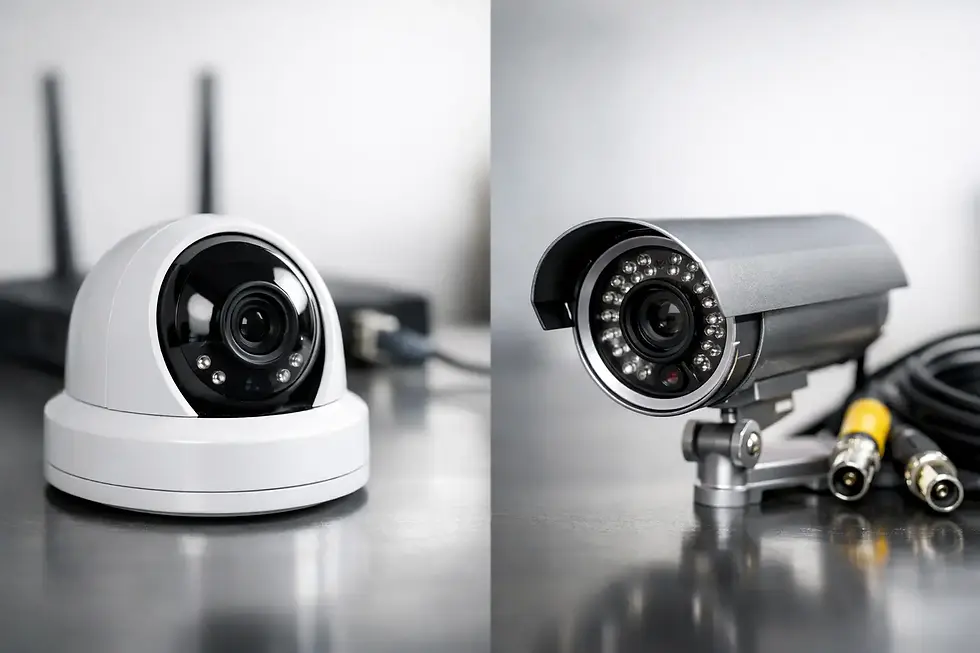
CCTV systems are one of the clearest examples. If power drops and your NVR shuts off instantly, the cameras may stop recording at the exact time an incident occurs. Even a short outage can create a blind spot. In some cases, abrupt loss of power can also affect the health of the recorder over time.
A UPS helps keep the recorder and essential network gear online during brief interruptions. On higher-risk sites, it can support cameras as well, depending on load and runtime requirements. This matters on construction sites, yards, retail premises and commercial buildings where after-hours intrusion or vandalism is a genuine concern.
Alarm systems and communications
Most professionally installed alarm panels already include battery backup. That does not mean the whole alarm setup is fully protected. If the system relies on network communications, external expanders, powered detectors or connected devices beyond the panel, power design still matters.
A UPS can support the surrounding equipment that keeps alarm signals moving. That can be especially useful where remote access, app control or monitored reporting are part of the setup. There is little value in a panel that remains powered if the path to send alerts has gone down.
Access control and intercoms
Access control requires more planning because power failure affects both security and site operation. Some doors are configured to fail safe, others fail secure. The right choice depends on safety rules, the type of opening and how the site is used.
A UPS can keep controllers, readers, intercoms and door hardware functioning through short outages. That may prevent staff lockouts, delivery disruptions or unsecured entries. It also gives you more predictable behaviour during an interruption instead of leaving outcomes to the default state of each device.
What a UPS does well, and what it does not
A UPS is excellent for short-term continuity. It handles brief blackouts, voltage dips and the kind of interruptions that would otherwise reboot equipment or cut off recording. It also gives systems time to ride through unstable supply.
What it does not do is replace proper long-duration backup design. If you need hours of uninterrupted operation, a small desktop UPS is unlikely to be enough. Runtime depends on the equipment load, battery size and how many devices are connected. The more gear you try to support, the shorter the available backup time.
This is where many buyers get caught out. They assume any UPS equals full protection, when in practice the sizing is what matters. A unit that keeps a router alive for 40 minutes may only support an NVR, PoE switch and cameras for a fraction of that time.
How to decide if your system needs UPS backup
The practical way to assess it is to work backwards from risk. Start with the consequence of failure rather than the equipment list.
If a 30-second power interruption would simply mean your home cameras restart and continue as normal, your need is different from a site where every minute of downtime exposes stock, plant or public-facing areas. If your alarm has internal battery backup and no critical network dependency, a UPS may be less urgent. If your site uses electric gates, access-controlled doors, monitored CCTV and remote connectivity, backup power becomes much more important.
Three questions usually make the answer clear. What must stay online when mains power fails? How long does it need to stay online? What happens if it does not?
For many businesses, the answer is not every device. It is the critical devices. That might include the recorder, switch, modem, alarm communicator and one or two key door controllers. Prioritising those loads gives better runtime and better value than trying to support everything equally.
Does your security equipment need a UPS on temporary or exposed sites?
Temporary and high-risk sites deserve separate treatment because power is often less stable to begin with. Construction projects, laydown yards, remote compounds and vacant properties can face intermittent supply, generator changeovers or limited infrastructure. In those environments, backup power is part of the security design, not an afterthought.
This is also where solar-powered surveillance solutions can change the equation. A mobile camera tower built for independent operation already addresses the power problem at the system level. Even then, internal power management and battery design remain central to uptime. The principle is the same: if the site is exposed, power resilience is part of protection.
Common mistakes when choosing a UPS
The most common mistake is undersizing. Buyers often choose a UPS based on price or physical size without calculating the real load. Another is protecting the recorder but not the switch or modem, which leaves the system partially powered yet effectively offline.
There is also the issue of environment. A UPS installed in a hot comms cupboard, dusty plant room or poorly ventilated enclosure will not perform as well over time. Batteries age. Runtime falls. Maintenance gets overlooked because the unit appears fine until the day it is needed.
Professional configuration matters here. A properly specified UPS should match the actual draw of your equipment, the desired runtime and the conditions where it will operate. It should also be tested as part of the broader system, not treated as a separate add-on.
The best answer is usually site-specific
If your security system protects people, stock, tools, vehicles, data rooms or restricted areas, backup power deserves serious attention. That does not always mean a large UPS on every installation. Sometimes the right solution is battery-backed alarm hardware, selective UPS protection for key devices, or a system designed from the outset for off-grid or mobile deployment.
For homeowners, a modest UPS may be enough to keep cameras and networking online through short outages. For commercial premises, retail stores and multi-door access control sites, a more deliberate backup design is often warranted. For temporary or high-risk locations, resilient power should be built into the security solution from day one.
The better question is not simply does your security equipment need a UPS. It is how much downtime your site can afford before security stops doing its job. If the honest answer is very little, backup power is not just worthwhile - it is part of a dependable system.


Comments