
How to Set Up Retail Alarm Sensors Properly
A rear stockroom door left unprotected can create more exposure than a row of cameras at the front counter. When you set up retail alarm sensors, the objective is not to cover every square metre with hardware. It is to identify the paths an intruder is most likely to use, protect valuable stock and create a prompt, usable response when the system activates.
For retail operators, an alarm system needs to work around real trading conditions: staff arriving early, deliveries through back doors, roller shutters opening, cleaners attending after hours and customers moving freely during the day. A well-planned system reduces after-hours risk without causing constant disruption or nuisance alarms.
Start with the store's real risk points
Walk through the premises as if you were assessing it after closing time. Focus first on entry points, not simply on the areas that look busiest during trade. External doors, rear loading entrances, roller doors, accessible windows, emergency exits and roof access points should all be considered.
The location and value of stock matters too. High-value items kept in a display cabinet, storeroom or locked cage may need a separate layer of protection. A sensor that detects entry at the perimeter gives early warning, while an internal detector can confirm movement towards stock, tills or office equipment.
This layered approach is generally more effective than relying on a single motion sensor in the middle of the shop. It also gives a monitoring provider or keyholder better information when an alarm occurs. A rear door contact followed by movement in the stockroom is a more meaningful event than an isolated sensor activation.
Choose the right retail alarm sensors
Different sensors solve different problems. Selecting the right mix is where practical site knowledge makes a difference.
Door and window contacts are usually the foundation of a retail alarm system. These magnetic contacts trigger when a protected opening separates. They are well suited to front doors, rear doors, emergency exits and accessible windows. A contact can also be fitted to roller doors, although the mounting method and cable protection need to suit the door's movement and construction.
Passive infrared, or PIR, motion detectors identify movement and heat changes within a protected space. They are useful in shop floors, offices, stockrooms and corridors. Dual-technology detectors combine PIR detection with another method, commonly microwave, and can be a sensible choice in areas where air movement, changing temperatures or other environmental factors could create false alarms.
Glass-break detectors may suit premises with large, accessible glazed shopfronts. Vibration or shock sensors can be considered for selected doors, shutters or display cases. Panic buttons are another valuable option where staff face a risk of aggression, particularly at counters, service desks and back-office cash handling areas.
The best combination depends on the building, the trading model and the response required. A small boutique with one rear entry needs a different design from a larger tenancy with a loading dock, multiple staff entrances and an attached storeroom.
How to set up retail alarm sensors by zone
A professionally installed alarm should be divided into logical zones. Zones allow parts of the system to be armed or disarmed independently, making daily operation easier and helping identify where an alarm started.
For example, the shopfront and customer area might form one zone, the stockroom another, and the office or cash room a third. External doors and roller shutters may be individually zoned so that an opening is immediately identifiable. If staff need access to a rear storeroom before the store opens, the system can be configured to allow that area to be managed without leaving the entire site unprotected.
Avoid placing motion detectors where their field of view is obstructed by shelving, promotional displays or hanging signage. A detector installed before a store fit-out can become ineffective once merchandising changes. It is also wise to keep detectors away from direct sunlight, air-conditioning outlets, heaters and fans where possible. These factors can affect detection reliability and increase the chance of nuisance activations.
For sensor height and angle, follow the manufacturer's requirements rather than relying on a generic rule. Ceiling height, aisle layout and shelving all influence coverage. A certified technician can test each device on site and adjust its position before handover.
Plan for staff access, deliveries and cleaning
Most false alarms are not equipment failures. They result from people entering an armed area, forgetting the correct arming process or opening a protected door outside its expected schedule.
Before installation, decide who needs access and when. Store managers, supervisors, cleaners, delivery drivers and maintenance contractors do not necessarily need the same permissions. Individual user codes, tags or mobile credentials provide a clearer audit trail than a shared code written near the keypad.
Arming schedules can also reduce errors. If the store closes at a consistent time, the system can issue a reminder when it has not been armed. Opening and closing reports can be sent to nominated managers, making it easier to identify exceptions. For sites with variable trading hours, manual arming may be more appropriate, provided staff receive clear training.
A short closing procedure is worth establishing. Staff should check that doors are secured, stockroom areas are clear, roller doors are down and any permitted movement has stopped before arming the system. If a cleaner is still inside, or a delivery is expected, use the appropriate zone controls rather than bypassing protection permanently.
Pair alarms with cameras and monitoring
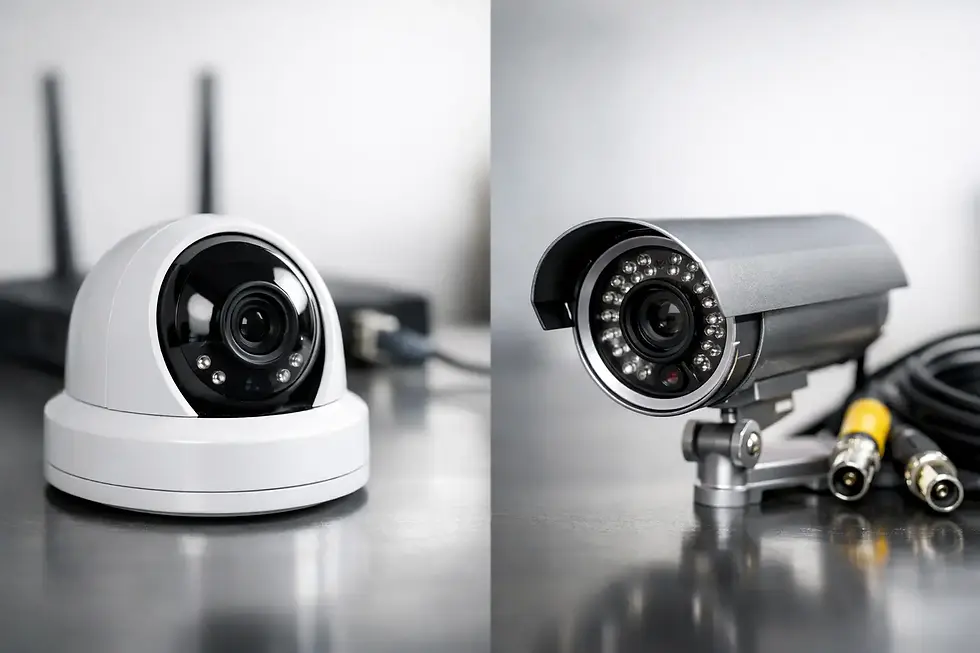
Alarm sensors provide immediate detection. CCTV provides visual verification and evidence. Together, they provide a more useful response than either system operating alone.
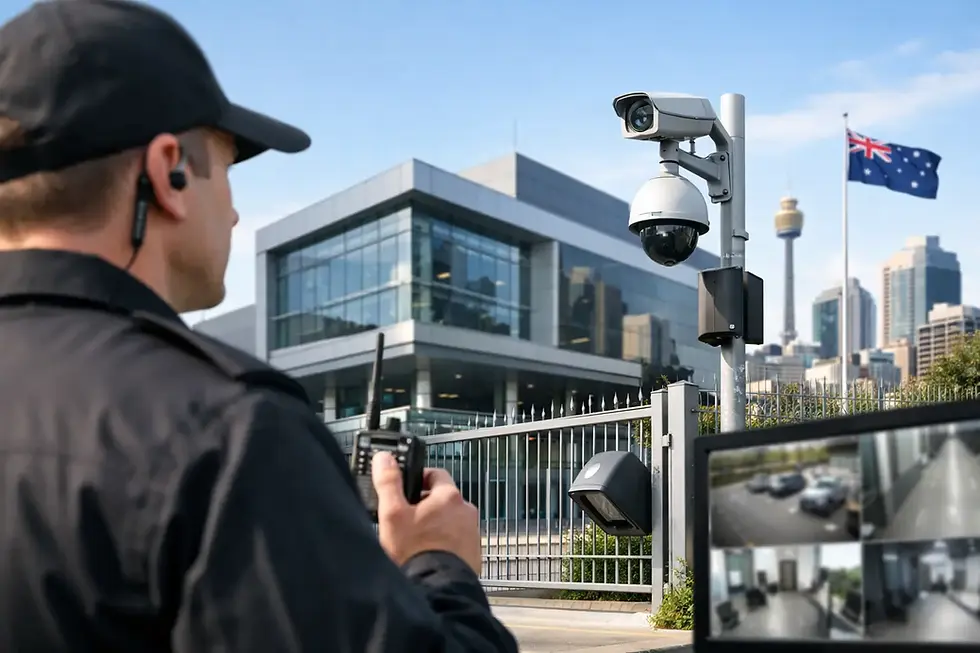
A camera covering the rear door, loading area or stockroom entry can help verify what triggered the alarm. When configured correctly, alarm events can prompt associated cameras to record or send a notification. This is especially useful for owners who manage several locations or cannot attend site quickly after hours.
Optional 24-hour monitoring adds another layer of support. Rather than relying solely on a mobile notification, a monitoring centre can assess the alarm event according to the agreed response plan and contact keyholders, guards or emergency services where appropriate. The right arrangement depends on the site's risk profile, insurance requirements and the availability of staff after hours.
For exposed retail premises, external lighting and visible security signage should also be considered. These measures do not replace sensors, but they can improve camera footage and reinforce the message that the site is actively protected.
Test the system before relying on it
Every sensor should be tested at commissioning, then checked routinely. This includes opening each protected door and window, walking through detector coverage areas and confirming that notifications reach the intended users. If the system is monitored, test the monitoring path and ensure the response contacts are current.
Use this practical checklist after any store refit, change in trading hours or staff turnover:
Check that shelving, signage and displays have not blocked motion detector coverage.
Confirm each manager and keyholder has the correct access credentials.
Review alarm contacts, escalation instructions and after-hours phone numbers.
Inspect batteries, wireless signal strength and visible damage to devices.
Test cameras connected to alarm events and confirm recordings are available.
Wireless sensors can be an efficient option where cabling is difficult or a tenancy needs minimal disruption. However, they still require professional placement, battery management and signal testing. Wired devices may be preferred for permanent installations or areas with challenging radio conditions. Neither option is automatically better - the site layout and future plans should guide the decision.
Use a design that can grow with the store
Retail security requirements change. A store may add a stockroom cage, expand its footprint, introduce click-and-collect collection points or move higher-value items into public-facing displays. Selecting an alarm panel with spare capacity makes future additions more straightforward than replacing the system later.
Pegasus Data Systems can assess retail sites across South East Queensland and design alarm, CCTV, access control and monitoring arrangements around the way each store actually operates. Professional installation and configuration help ensure sensors are positioned, labelled and tested for usable protection rather than simply fitted where space is available.
The strongest retail alarm system is one that staff can operate confidently every day and that gives the right people clear information when something is wrong. Start with the entry points, protect the assets that matter most, and keep the system maintained as the store changes.

Comments